
WARDOGS Troubleshooting
Error 1147405308, Easy Anti-Cheat, queues, and the launch-week failures that are usually not your GPU.
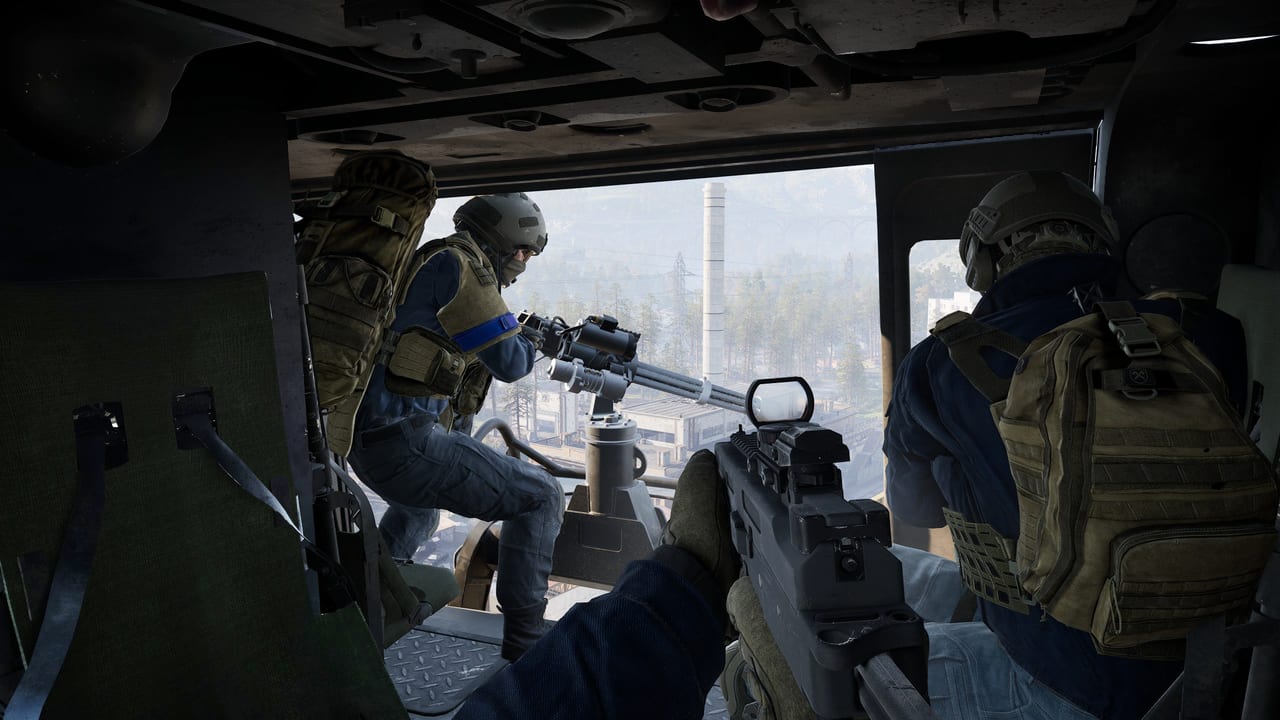
Most WARDOGS “it is broken” reports during Closed Alpha, the August weekend, and Closed Beta 02 were not graphics settings. They were authentication, Easy Anti-Cheat, or a client that did not match the live branch. This page is the field guide for those failures so you do not format a drive because a queue dumped you. Hardware targets still live on system requirements. Dates live on Early Access.
None of this is an official BULKHEAD support matrix. Steps below are what testers actually reported. If Steam News or @WARDOGS posts a different fix on launch week, that post wins.
First: is it you, or is it the queue?
Before deleting folders, check whether the whole population is eating the same error. Closed Beta 1 peaked above 100,000 concurrent. Closed Beta 02 was explicitly a scale test of login queues, server browse, VOIP, Twitch Drops, and DLC entitlements. When authentication servers overload, the client throws a scary number and kicks you out of line. Waiting two minutes is a real fix. Mashing reconnect is how you go to the back.
If official channels are quiet and your friends are in-match, then it is local: anti-cheat, files, or a playtest grant that never arrived. Grants show up in the Steam library, often as a separate “WARDOGS Playtest” app, not as a Discord role. Details on closed beta.
Error 1147405308 — version mismatch dressed as access denied
This is the number most people pasted. The dialog often reads like authentication failed or access denied. Community status notes from the beta window treated 1147405308 as a client/server version mismatch that cleared in a couple of minutes once Steam finished updating, not as a ban. A different, un-numbered “failed to authenticate with online services” screen was the actual auth-server fault and was server-side.
What to do, in order:
- Confirm Steam actually finished the update. Fully exit Steam from the tray, relaunch, let it patch.
- Wait. If the error landed during a queue spike, the mismatch is often “your shard is on build A, the login box is on build B” for a short window.
- Verify integrity of game files.
- Only then delete local clutter (see EAC below).
Do not confuse it with 1147405300, an older Closed Alpha join error tied to matchmaking / wrong-region queues. Same family of numbers, different moment in the test calendar.
Easy Anti-Cheat: will not launch, silent exit, 0xc0000142
WARDOGS ships kernel-level Easy Anti-Cheat. If EAC does not install or start, the game never reaches a window, or it dies immediately after the anti-cheat splash with 0xc0000142 (DLL initialization failed) on Win64-Shipping.exe.
Testers’ sequence that actually moved the needle:
- Repair EAC from the game’s install folder (
EasyAntiCheatorEasyAntiCheat_EOSsetup, run as administrator). - Verify files in Steam.
- Add the WARDOGS install directory and the EAC service to antivirus exclusions. Kernel drivers look like malware to heuristics. That is the point of a kernel anti-cheat, and also why AV quarantines it.
- Repair Visual C++ 2015–2022 (x64 and x86). Several 0xc0000142 threads died here after EAC reinstalls did nothing.
- Reboot. People skip this. Several EAC “still broken” reports were a service that never came back until a restart.
- Last resort: delete the
EasyAntiCheatfolder inside the install directory and%LOCALAPPDATA%\Wardogs, verify files, reboot. You are forcing a clean anti-cheat rewrite, not a magic FPS boost.
Secure Boot fights some kernel anti-cheats. Do not flip firmware on a BitLocker box because a Reddit title told you to. Read what you are turning on.
Crashes and full PC reboots — inpoutx64.sys
August beta crash reports included machines that rebooted with no dialog. Community diagnosis pointed at a conflict between EAC and the kernel driver inpoutx64.sys, in the same week as a Windows Security update (KB5121003, 12 August 2026) and similar reports in other EAC titles. Closed Alpha the weekend before had not shown the same pattern.
The workaround testers used, from an Administrator Command Prompt:
sc stop inpoutx64
sc config inpoutx64 start= disabled
Then reboot. Re-enable later with sc config inpoutx64 start= demand and sc start inpoutx64 if a lighting or hardware tool needs it. This is a driver conflict workaround, not a cheat, and it is also not something to run if you do not have the crash. If BULKHEAD or Microsoft ships a patch, prefer the patch.
Login queue, “cannot connect,” and pre-launch silence
Until servers are actually up, “cannot connect” is the expected state. Closed Beta 02 was scheduled to open after The FPS Games Show on 3 September 2026 at 18:00 UTC, not at whatever time you installed the client on the 2nd. A 2 September backend / firing-range style login-queue test appeared on the calendar; that was not an open beta. Do not assume the game is down because a stress test ended.
During a real queue: stay in line. The Beta 02 announcement said they would raise Steam Playtest invitees in waves rather than opening the floodgates, specifically to watch queues, browse, VOIP, and entitlements break at scale. Pre-purchase guaranteed a seat. Request Access did not.
Overlay and “it just closed”
If friends load and you bounce at the splash, disable Steam Overlay, Discord Overlay, GeForce / Xbox Game Bar, and RGB injectors, then try again. EAC is allergic to foreign DLLs. That is working as designed.
Linux / Proton and Steam Deck are not a support promise. EAC plus kernel checks make that path a maybe. See system requirements.
A sane order of operations
- Are servers up? Official links, Steam News, @WARDOGS.
- Do you own the right app in the library (retail vs playtest)?
- Wait out 1147405308 if it arrived with a patch or a queue spike.
- Repair EAC, verify files, exclusions, VC++, reboot.
- Only then hunt inpoutx64 or firmware.
- If the box is the actual problem, the spec table is on system requirements, not this page.
WARDOGS is still approaching Early Access as of this writing. Launch day will recycle these same codes at larger scale. Treat a YouTube “one weird fix” as optional. Treat Steam’s own verify button as step one.
Related pages
Frequently Asked Questions
Quick answers to the most common WARDOGS questions.
What is WARDOGS error 1147405308?
During the betas it usually meant the client and the live branch did not match, or auth was overloaded. Wait, let Steam update, verify files. It is not automatically a ban.
WARDOGS will not launch past Easy Anti-Cheat. What now?
Repair EAC as administrator, verify files, whitelist the install folder, repair Visual C++ 2015–2022, then reboot. Deleting `%LOCALAPPDATA%\Wardogs` is a later step, not the first.
Why did my PC reboot in the August beta?
A cluster of reports blamed a conflict with inpoutx64.sys around Windows update KB5121003. Testers stopped and disabled that driver, then rebooted. Only do this if you actually have the crash.
The game says it cannot connect. Is it down?
Before a scheduled test or before Early Access on 10 September 2026, yes — nothing is supposed to answer. During a live queue, wait rather than spam reconnect. Calendar: closed beta and Early Access.